Marksman Build
Builder website
A website for Marksman Build, a builder based in Selwyn, Canterbury, in New Zealand, that builds new homes, renovations, sheds and farm structures, decks and equestrian facilities. It is built around the builder’s own photos and video, and every page leads to a short project enquiry.
Visit Live Site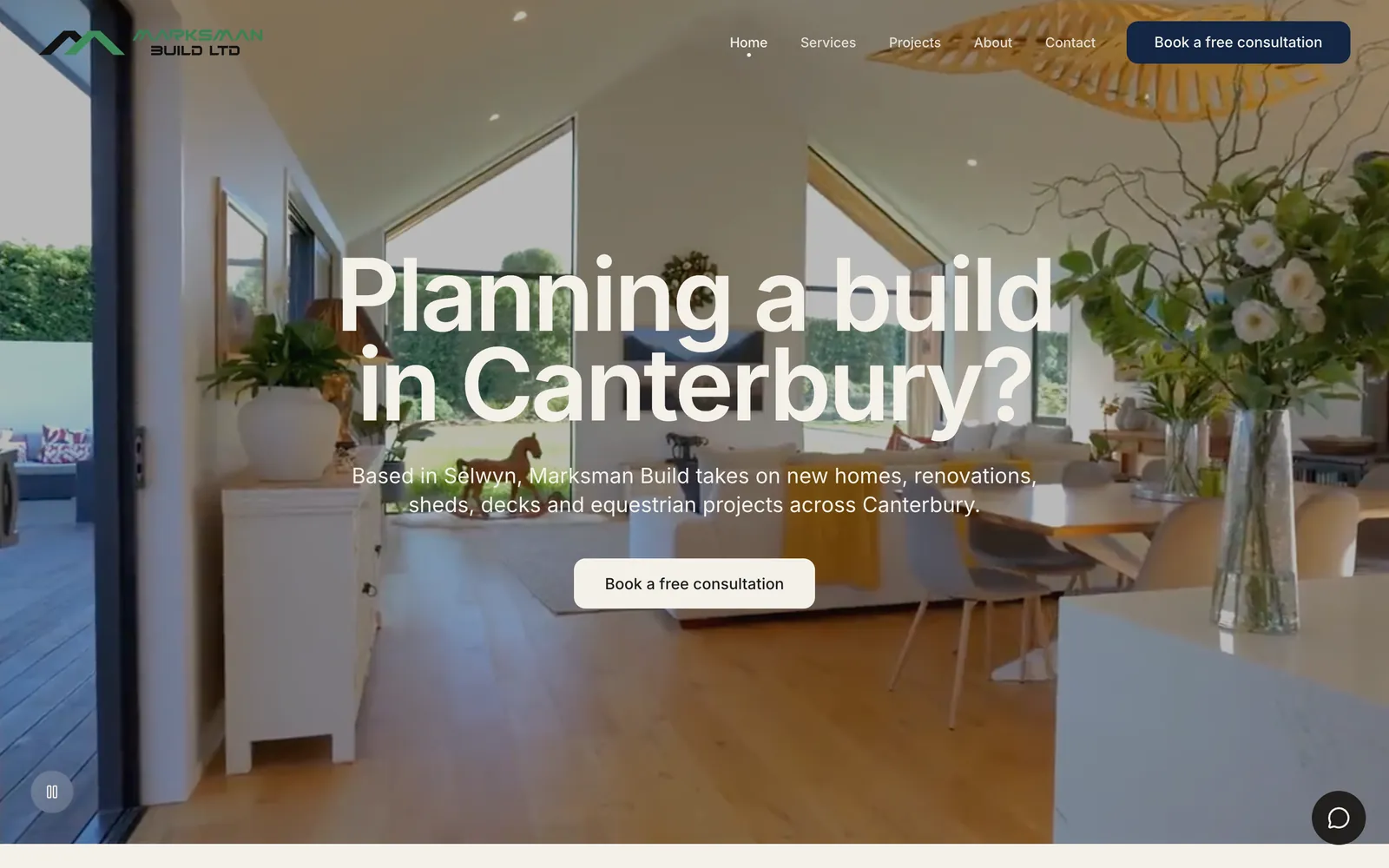
A builder’s best advert is the work itself. People planning a new home or a shed want to see real jobs near them, know the builder works in their area, and have an easy way to ask about their own project.
Top highlights
The builder’s own footage, first
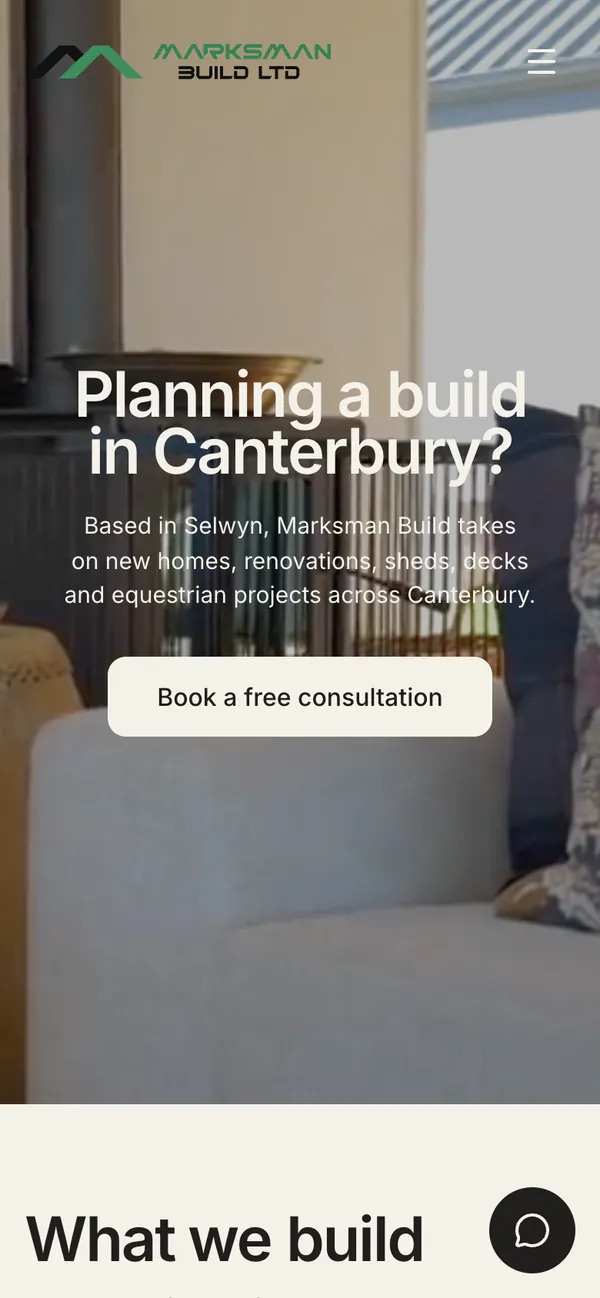
The homepage opens on the builder’s own video of a finished home, muted and looping behind one question: Planning a build in Canterbury? A single button books a free consultation. There is a pause button, phones get a smaller video file, and visitors who turn off motion see a still image instead.
Every service on one page
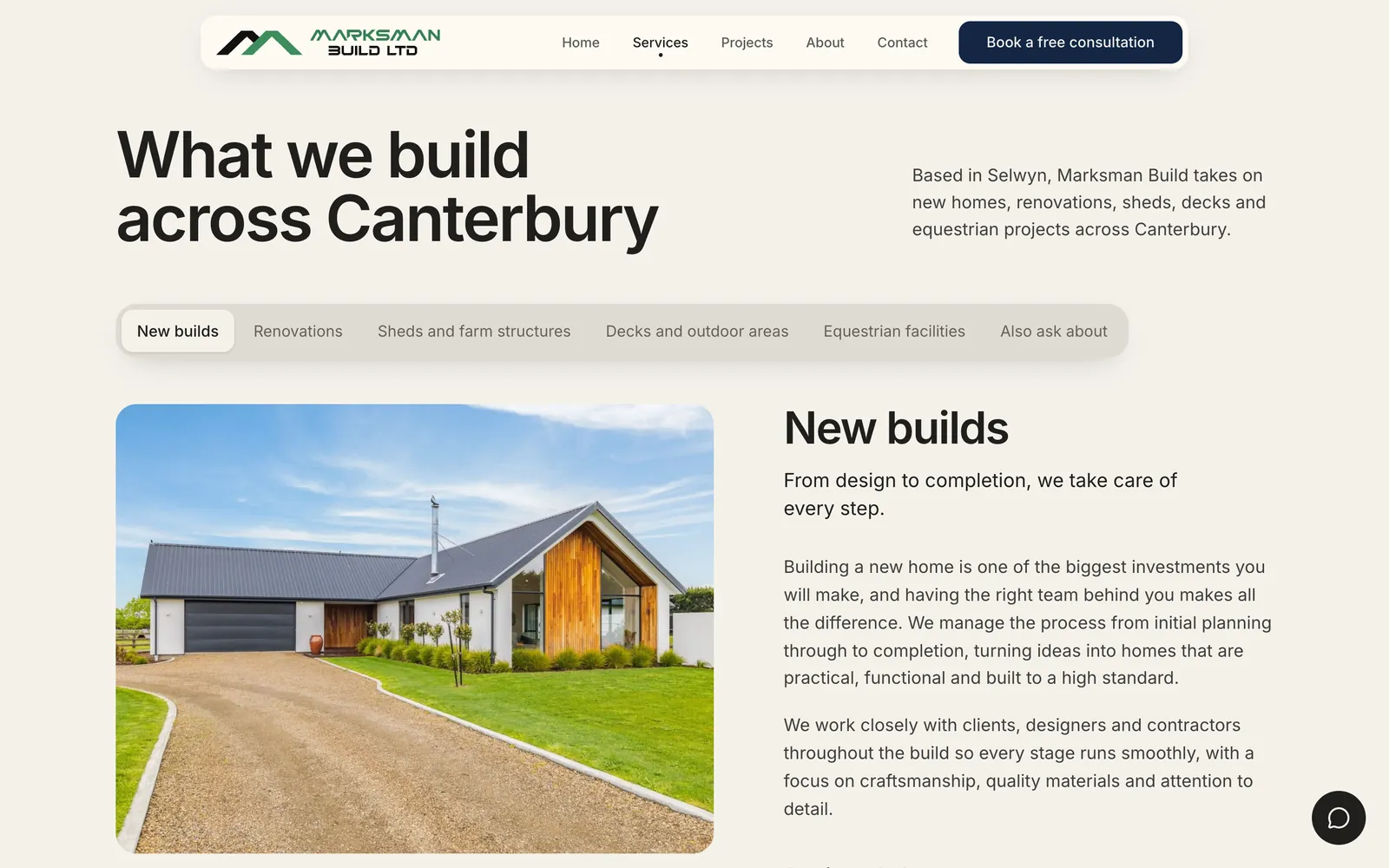
New builds, renovations, sheds and farm structures, decks and outdoor areas, and equestrian facilities each have a tab with their own photos and a plain description. Every tab has its own link, so a post about sheds can send people straight to sheds. Work still being confirmed is listed under Also ask about, with no made-up details.
Projects instead of a photo dump
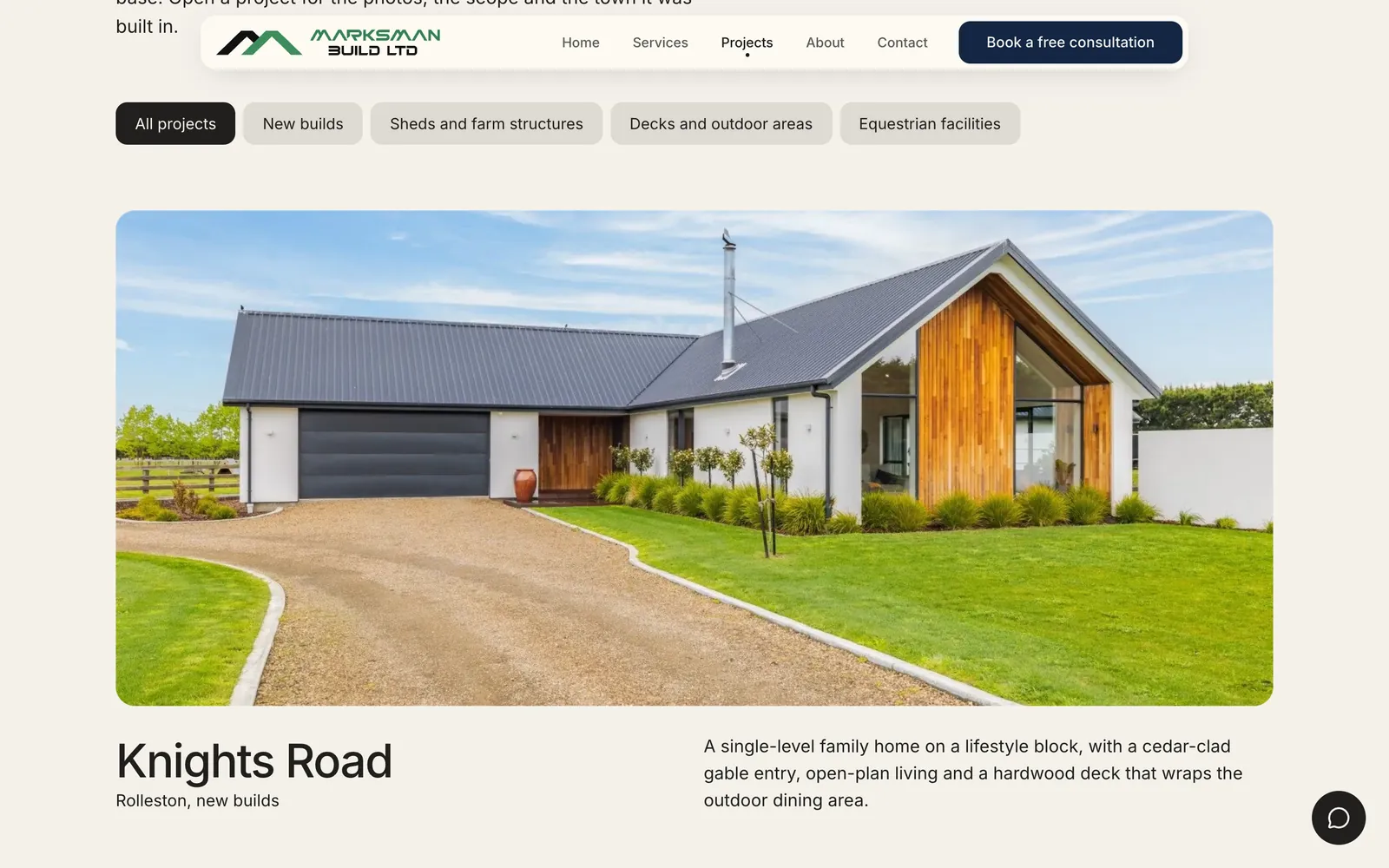
The photos are grouped into projects you can filter by type of work. Each project opens a short profile with its photos, what was built and the town it is in, and the homepage shows them on a curved, slowly moving row of photos that links to each one.
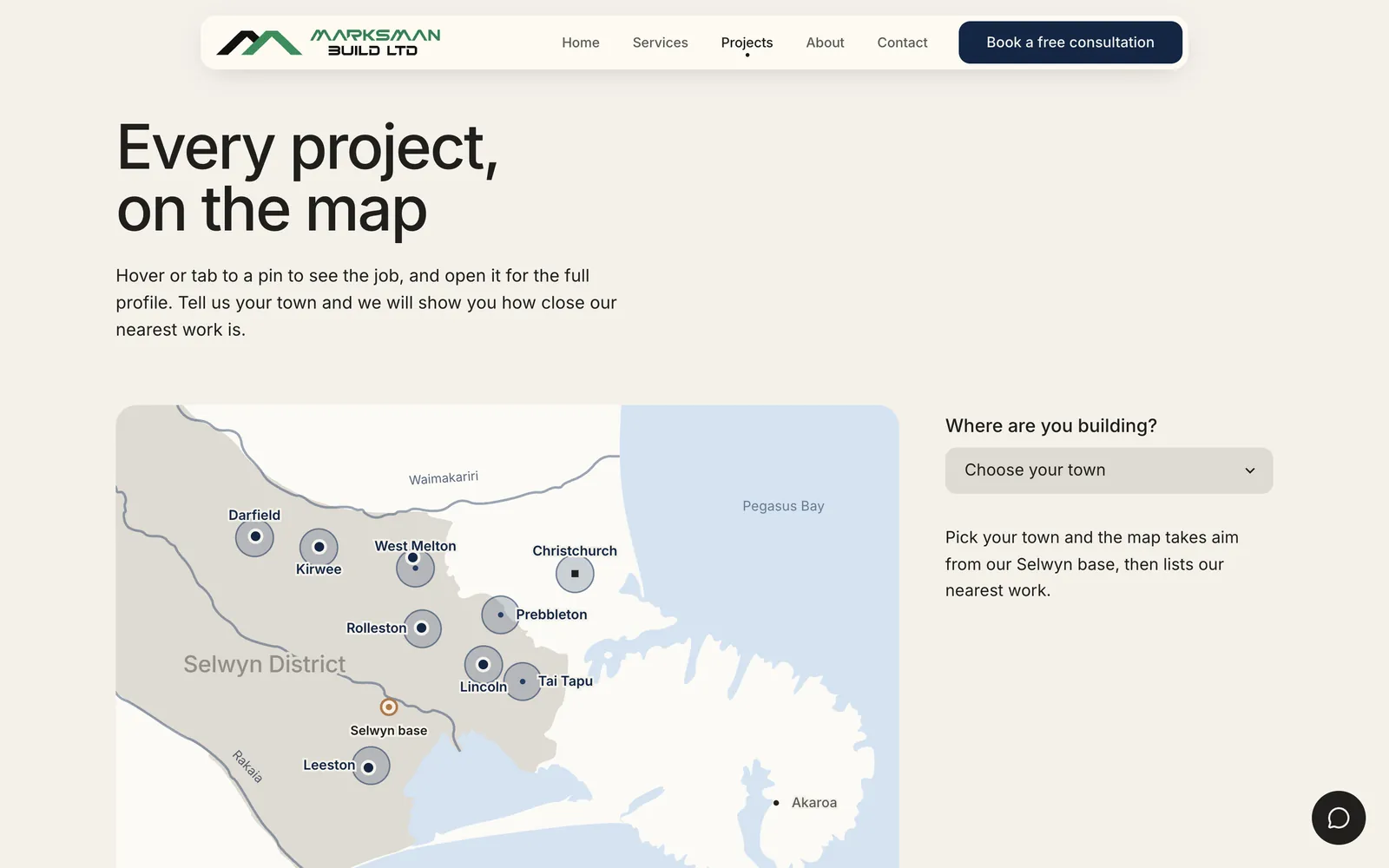
Every project on a map of Canterbury
A flat map of Selwyn and Canterbury, drawn from OpenStreetMap data, puts a pin on each project. Hover or tap a pin to see the job, then open it. Pick your town under Where are you building? and the map takes aim from the Selwyn base and lists the nearest work, which answers “do you build out here?” before anyone has to ask.
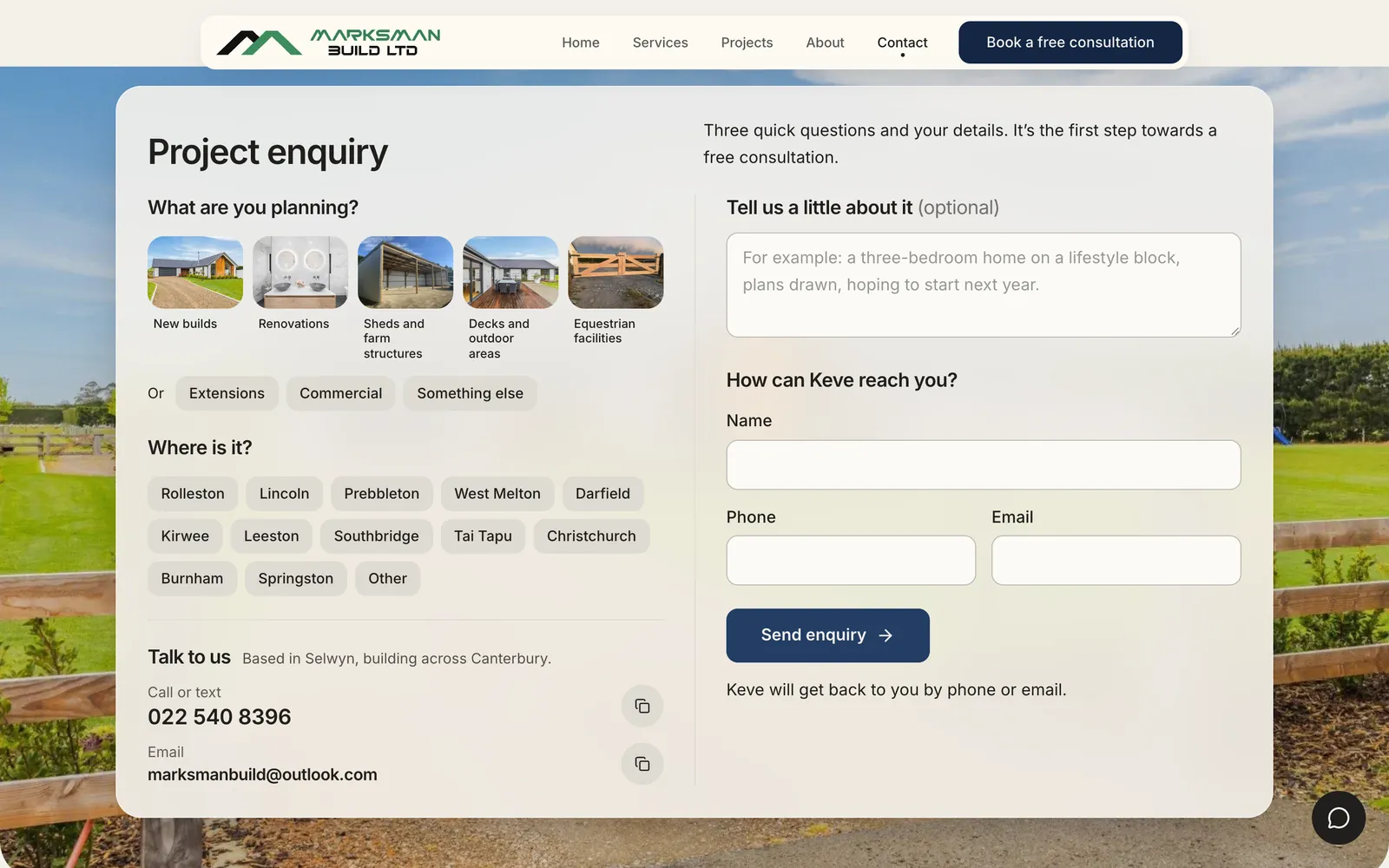
An enquiry in three quick questions
What are you planning is a row of photo tiles, Where is it is a row of town buttons, and a few lines about the job are optional. Then a name, phone number and email. Mistakes are explained next to the field, using the same rules as the server, and if sending ever fails, the form offers an email with everything already filled in.
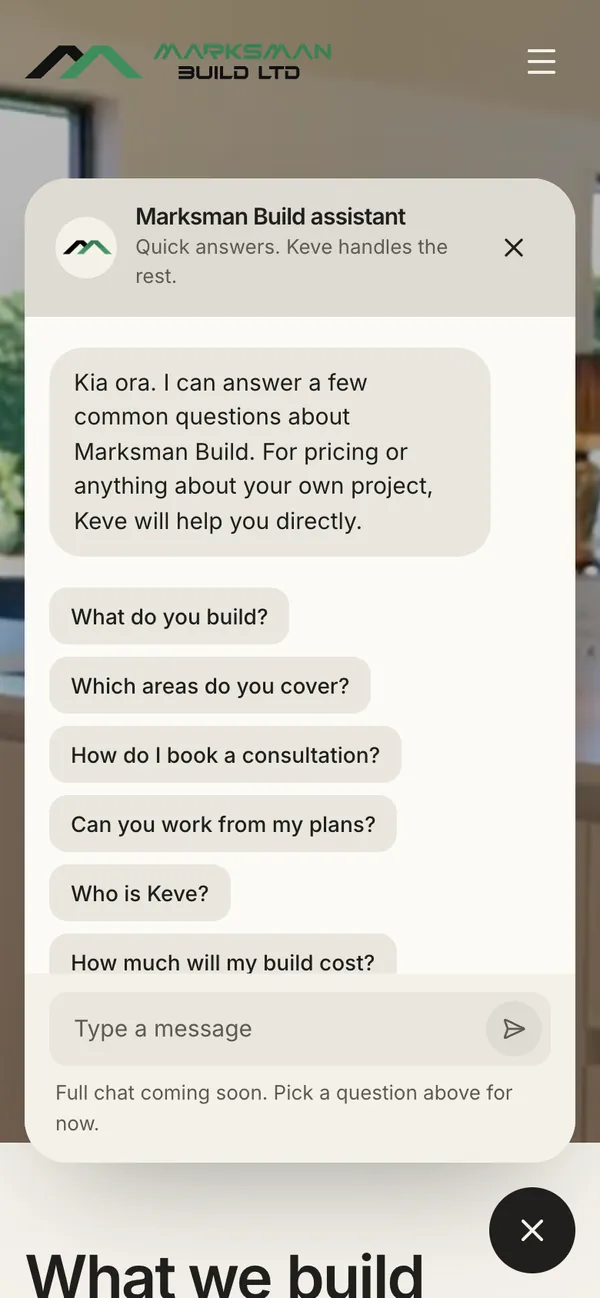
Quick answers, with pricing left to the builder
A chat button in the corner answers common questions: what they build, which towns they cover, how to book a consultation and whether they can work from your plans. Every answer comes from the same business details as the pages. Questions about price or a particular site go to the builder, with call, email and consultation buttons right in the chat.
Behind the site, for the owner
Every enquiry in one inbox
Enquiries land in the admin with the project type and town. The owner can search them, filter by date, mark where each one is up to and export them to a spreadsheet.
Email by signing in, not by settings
Connect Outlook or Connect Gmail: the owner signs in with Microsoft or Google and types no passwords. The site sends a test email before it saves the account, and says Reconnect needed if access is ever removed.
Reports that send themselves
A weekly report every Monday morning and a monthly one on the 1st, New Zealand time: visitors, enquiries and Google searches, compared with the period before, in plain English.
Project overview
- Client
- Marksman Build Ltd, a builder based in Selwyn, Canterbury, New Zealand, building new homes, renovations, sheds and farm structures, decks and equestrian facilities.
- My role
- Design and development of the whole website: the pages, the Canterbury map, the enquiry form and the chat, plus the backend and the admin behind them.
- Deliverables
- Video homepage with services and selected projects
- Services page with a tab for each service
- Projects page with filters, project profiles and a Canterbury map
- About, blog and privacy pages
- Project enquiry form and a quick-answer chat
- Admin for enquiries, analytics, referral links, reports and a site notice
- Status
- Live at marksmanbuild.nz.
Run a trade business in Australia or New Zealand? See my websites for tradies.
Technical details for developers
Stack, architecture and how it is built.
Stack
Architecture
A static site with a small Worker in front
Next.js exports every page to plain HTML, which Cloudflare serves from the nearest location. Only /api/* and /ref/* run the Worker, which is placed in Sydney next to its D1 database in Oceania. The business details, services and projects live in one TypeScript file, so the pages, the map, the enquiry form and the chat answers can’t disagree with each other.
Saved first, emailed after
The form posts to /api/leads, which checks a hidden honeypot field, rate-limits to three enquiries a minute per IP and applies the same validation as the browser. The enquiry is written to D1 before anything else, and the email goes out after the response, so the visitor never waits on a mail server and a failed email never loses an enquiry. Failures are shown on Settings → Email.
Email through the owner’s own account
Connect Gmail and Connect Outlook use OAuth with send-only permissions (gmail.send and Mail.Send), and the Worker sends through the Gmail API or Microsoft Graph. Only the refresh token is kept, encrypted with AES-256-GCM in D1 and never sent back to the browser. When Microsoft rotates the token, the new one replaces the old automatically.
Highlights
Cookieless Analytics
Page views and clicks on marked buttons are counted with an anonymous visitor ID that changes every day, with no cookies and no IP addresses stored. Referral links (/ref/name) count visits from a flyer or a post before passing them on, and the admin shows the Google searches people used, from Search Console.
Locked-Down Admin
The admin password is stored only as a PBKDF2 hash, sessions are HMAC-signed HttpOnly cookies, and anything that changes data must be a same-site JSON request. Five wrong passwords from one network lock sign-in for a minute.
Want something like this?
I build websites for trade businesses that show the work, make it easy to ask for a quote, and keep every enquiry in one place.